 anotemy
Sign in
Try it free
anotemy
Sign in
Try it free
Dental Anatomy Notes: Teeth, Parts, and Numbering
First-year dental anatomy notes should define the four tooth types, name the parts of a tooth, and record the numbering system your course uses. Start with the 32 permanent teeth, then sketch a labeled cross-section.
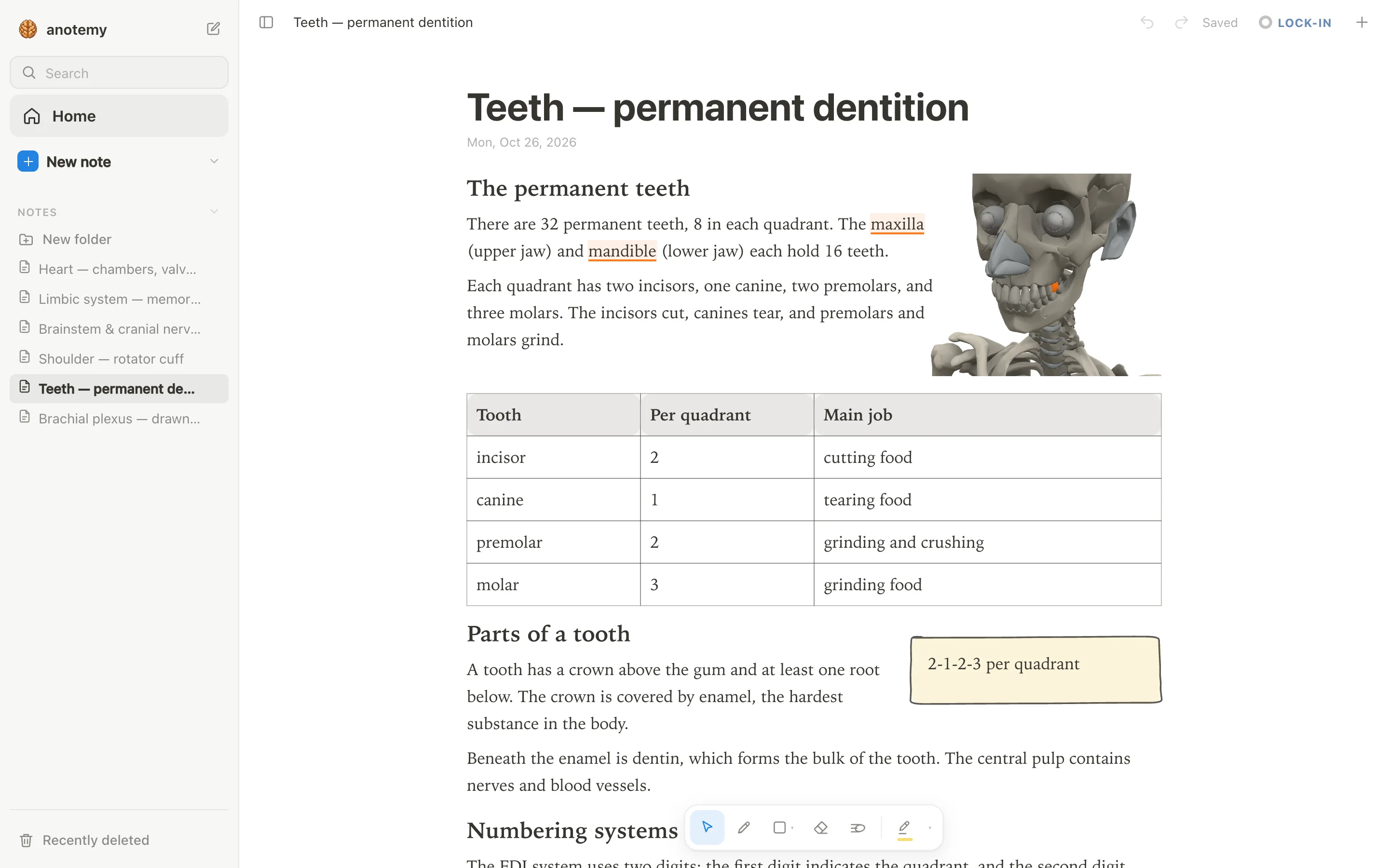
What to cover first
Dental anatomy notes are your written record of tooth types, tooth parts, and tooth numbering, in a form you can revise. Start with those three anchors, then add the detail your course gives in lectures and labs. Keep each definition short enough to say aloud from memory.
The parts to name are crown, root, enamel, dentin, pulp, and cementum. Put them on one cross-section you draw yourself, because redrawing it is faster than rereading a description. Add the tooth types only after that sketch is clear.
Keep the notes in three blocks: definitions, a table, and a sketch. That layout makes revision a matter of covering one block and reciting it, not rereading a page. Leave space beside each block for a lecture example or a lab note, and write the lecture date beside it.
- The four tooth types: incisor, canine, premolar, and molar, each with its main job.
- The parts of a tooth: crown, root, enamel, dentin, pulp, and cementum.
- The numbering labels your course uses, such as FDI and Universal.
- One simple cross-section sketch you can redraw from memory.
- A short table of the 32 permanent teeth by quadrant and type.
Step 1: Map the 32 permanent teeth
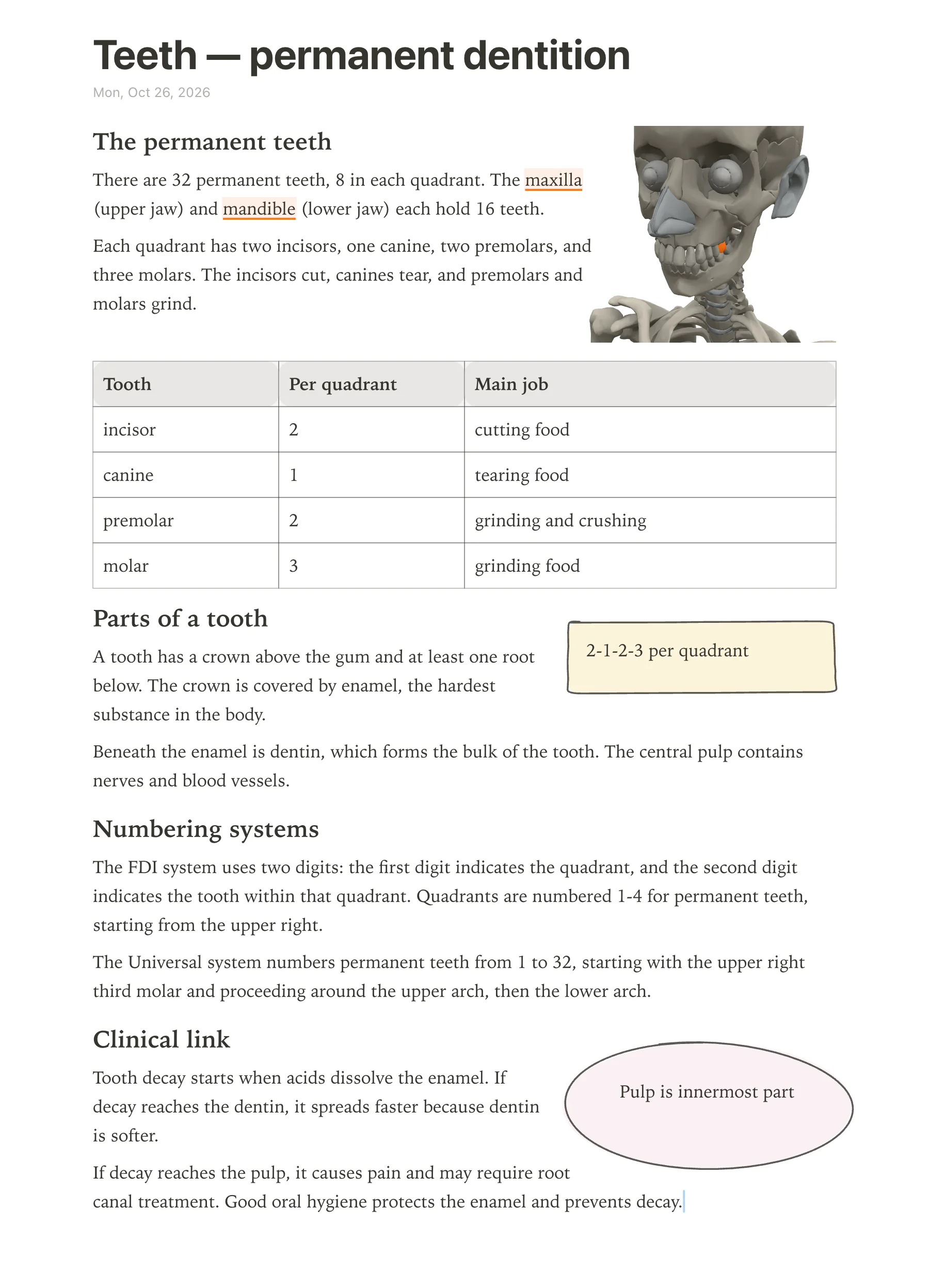
Start with the 32 permanent teeth: each quadrant has 2 incisors, 1 canine, 2 premolars, and 3 molars, a pattern written 2-1-2-3. Multiply by four quadrants and you get 32. Write the pattern at the top of your notes before you add any labels.
Use the table to connect each type to its job, then add the FDI and Universal labels your course uses beside each row. Keep the labels in the same order as your lab chart so you can check them quickly. If your course uses only one numbering system, put the other in a small note beside it.
The 2-1-2-3 pattern is the skeleton; the numbering labels are the handles. Write both on one page, because exams often ask you to move from a type to a number or from a number to a type. Add a blank quadrant diagram beside the table and fill it in from memory.
| Tooth type | Number per quadrant | Main job |
|---|---|---|
| Incisor | 2 (central and lateral) | Cutting and shearing food |
| Canine | 1 | Tearing and gripping |
| Premolar | 2 (first and second) | Crushing and tearing; transitional between canine and molar |
| Molar | 3 (first, second, and third) | Grinding food |
Step 2: Label a tooth cross-section
Sketch a vertical cross-section and label crown, root, enamel, dentin, pulp, and cementum. Put the crown above the root, draw enamel as the outer layer of the crown, and place dentin under the enamel and cementum on the root surface. Use one color for the outline and another for the labels so the layers stay readable.
The pulp sits in the center of the tooth, inside the dentin. Keep the drawing simple: one outline, one inner layer, one central space, and labels with straight lines. Trace each line to the part, not to the space beside it, and check that all six labels are present.
anotemy can hold these dental anatomy notes and open 28 permanent teeth in its 3D library, from central incisors to second molars. It does not include third molars, and typing a short name like “first molar” does not highlight it; open the tooth in the full-screen 3D explorer instead. Use the 3D view as a reference while you draw, not as a replacement for the sketch.
Step 3: Learn each tooth in 3D
Once you can name a tooth on paper, look at its shape. anotemy's 3D library holds 28 permanent teeth: the upper and lower central and lateral incisors, the canines, the first and second premolars, and the first and second molars. There are no third molars in the library, so the wisdom tooth you draw in a cross-section has no model to compare with — sketch that one from your atlas instead.
One quirk to know before you start: typing a short tooth name such as "first molar" in a note does not light the word up the way many structure names do. Typing "mandible" or "maxilla" does highlight, but neither one takes you to a single tooth. For teeth, open the full-screen 3D explorer (Brain and Body) and search for the tooth by name or click it on the model. anotemy is the app this page is written for, and this is a quirk of highlighting as you type, not of search.
Turn each model before you move on. Check the number of roots, the cusps on the crown, and how the incisal edge of an incisor differs from the cusped occlusal surface of a molar, then say the differences out loud. The models show outer surfaces only — you cannot see inside a tooth, so the pulp chamber and root canal stay on your own labeled cross-section. If a view is worth keeping, you can drop the 3D view into the note as a picture cut to the model's edges, and the text flows around it.
Step 4: Convert FDI to Universal
Learn both numbering systems and practise switching between them, because exams and clinics use different ones. In FDI, the mouth is split into four quadrants numbered 1 to 4 starting at the upper right, and each tooth in a quadrant is numbered 1 to 8 from the midline backward — so the upper right central incisor is 11 and the upper right third molar is 18. In the Universal system, teeth are numbered 1 to 32 starting from the upper right third molar and running around the arch, which makes the upper right third molar 1, the upper left third molar 16, the lower left third molar 17 and the lower right third molar 32.
The conversion is easiest when you anchor a few teeth instead of memorizing 32 pairs. Fix the four third molars, the four central incisors and the canines in both systems, then work outward from those anchors. Do it in both directions — see 36 and say 19, see 12 and say 7 — because an exam question can come either way. Note that the third molars still carry numbers even though anotemy's 3D library stops at the second molars; number them on paper and label them from your atlas.
Write both numbers next to every tooth in your notes for the first week, then cover the FDI column and fill it in from memory. The table below gives a starting set to check yourself against.
| Tooth | FDI | Universal |
|---|---|---|
| Upper right third molar | 18 | 1 |
| Upper right central incisor | 11 | 8 |
| Upper left central incisor | 21 | 9 |
| Upper left third molar | 28 | 16 |
| Lower left third molar | 38 | 17 |
| Lower right third molar | 48 | 32 |
Mistakes to avoid
- **Expecting every tooth name to highlight as you type.** Only recognized terms light up, and "first molar" is not one of them. Type mandible or maxilla to reach the jaw, then open the full-screen 3D explorer to find the individual tooth.
- **Hunting for wisdom teeth in the 3D library.** Only 28 permanent teeth are modeled and the third molars are not among them. Number and sketch them from your atlas, and keep them in your written notes.
- **Trying to see the pulp chamber inside a 3D tooth.** The models show outer surfaces only. Section a tooth on paper with the pulp, dentin, enamel, cementum and root canal labeled instead.
- **Waiting for quiz questions on teeth.** The quiz covers about 140 common structures and teeth are not included. To test tooth knowledge, hide the 3D model, name the cusps, roots and surfaces from memory, then check.
- **Mixing up FDI and Universal under time pressure.** Write both numbers beside each tooth until the conversion is automatic, and convert from Universal back to FDI as often as forward — questions can come either way.